The all-in-one CRM built for jewelry designers. Track clients, manage commissions from inquiry to delivery, schedule consultations, and grow your business — standalone or integrated with Shopify.
Purpose-built tools that understand the unique workflow of custom jewelry design, from first inquiry to final delivery.
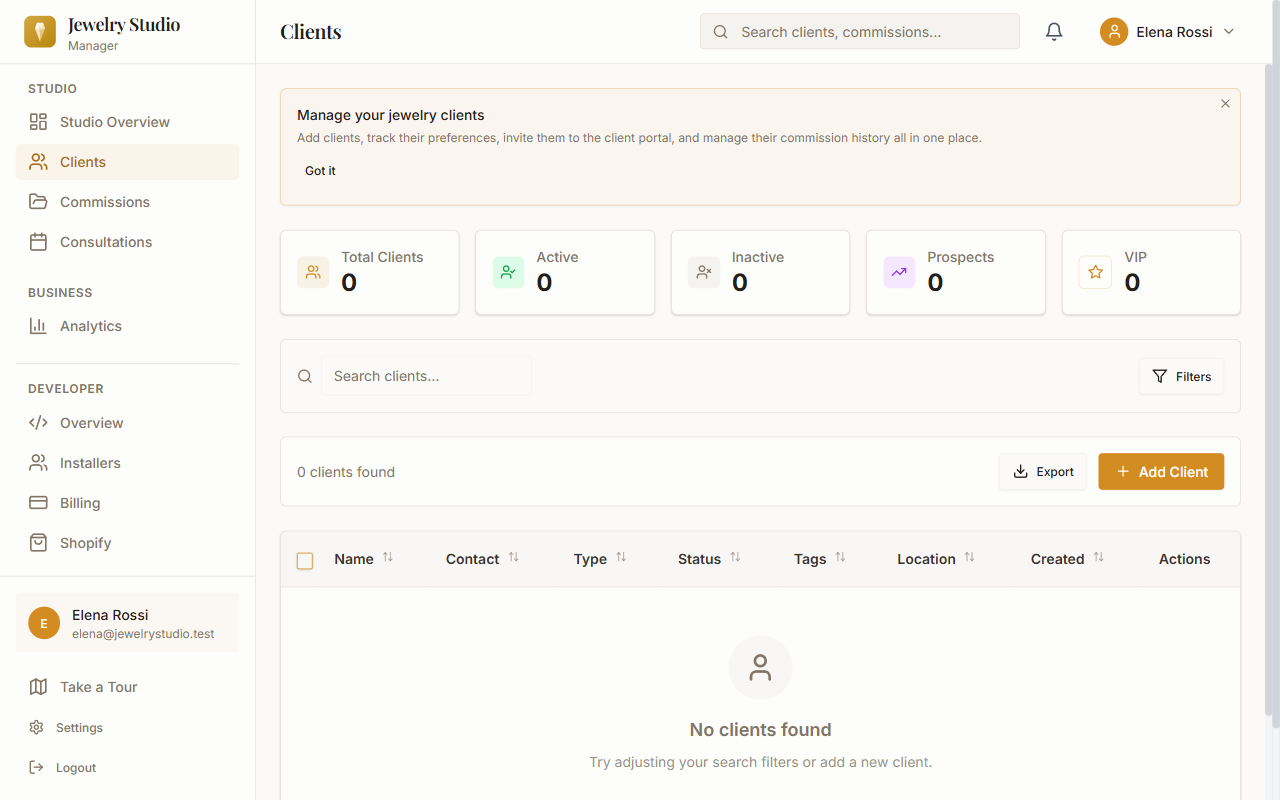
Keep detailed profiles for every client including preferences, ring sizes, metal choices, budgets, and communication history. Never lose track of a detail again.
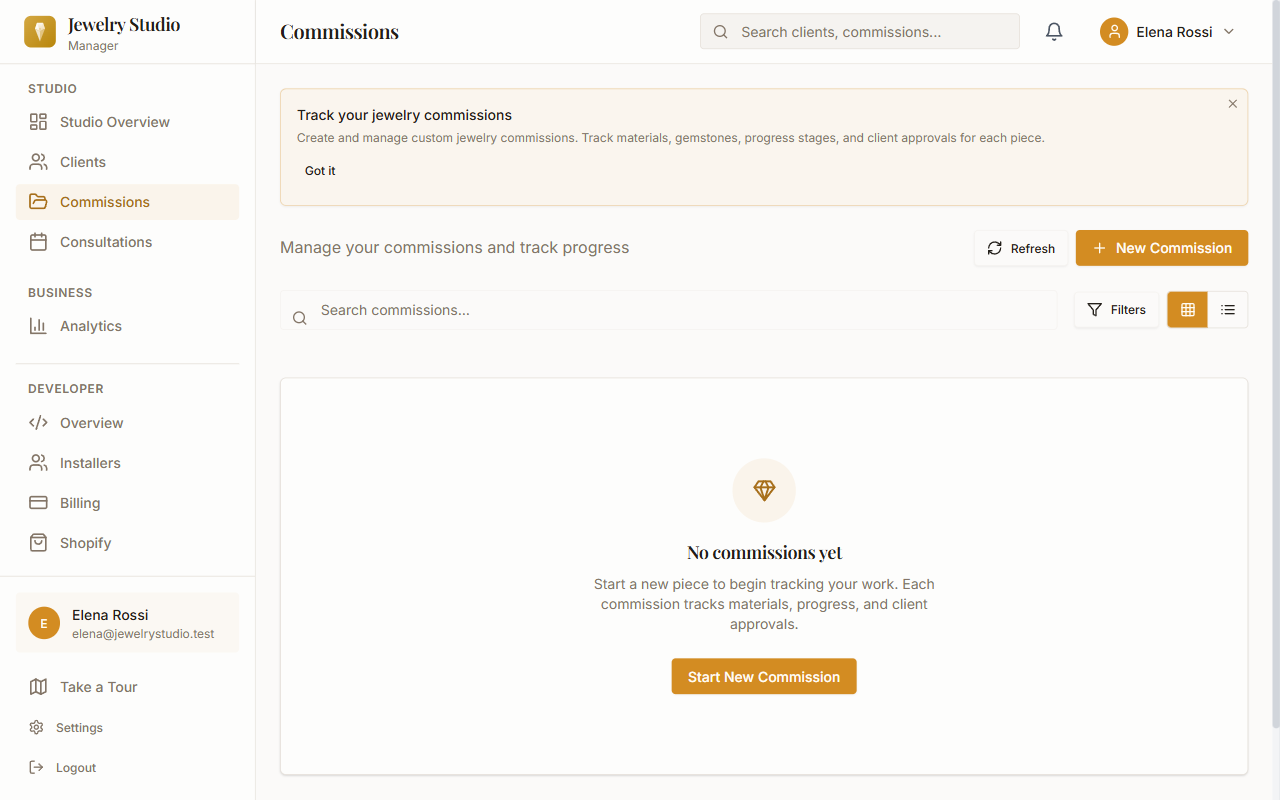
Follow every commission through your complete workflow — from initial inquiry and consultation through design, approval, production, and delivery.
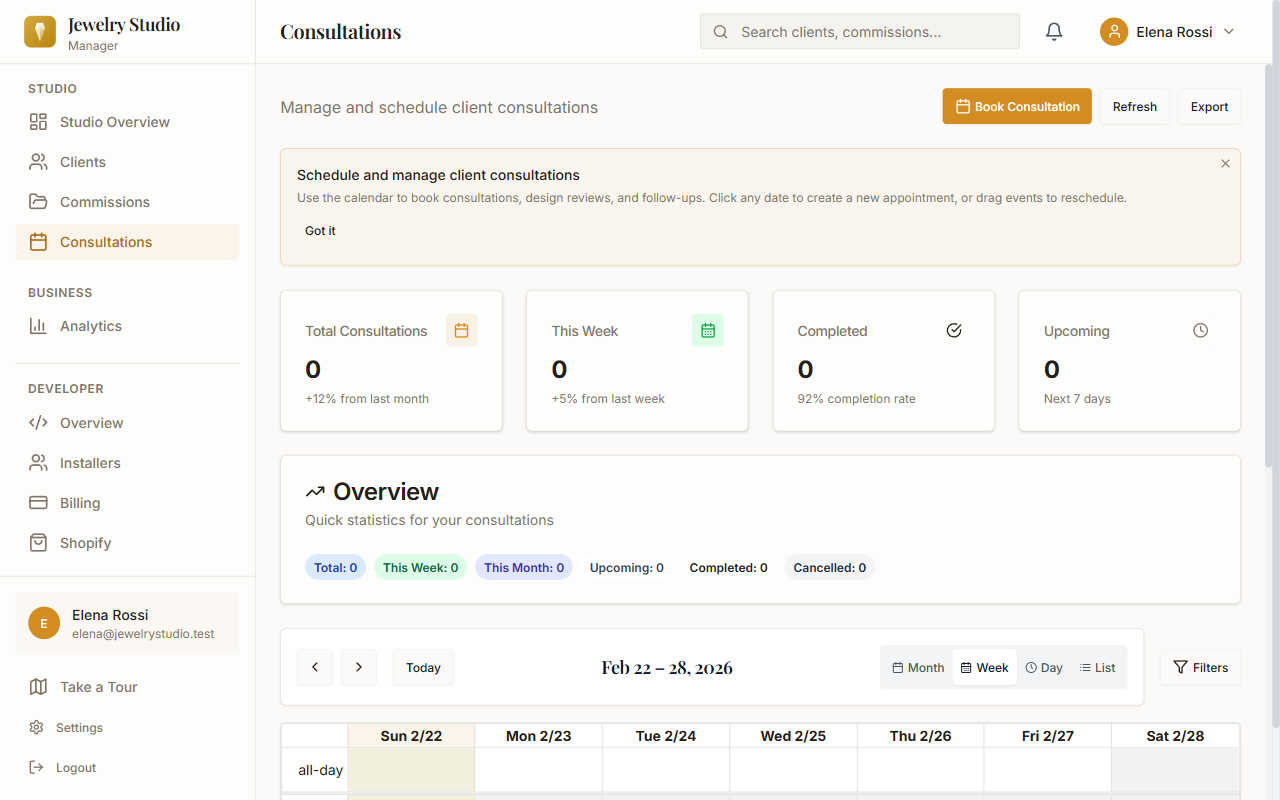
Built-in calendar with appointment scheduling, automated email reminders, and client self-booking. Keep your studio running smoothly.
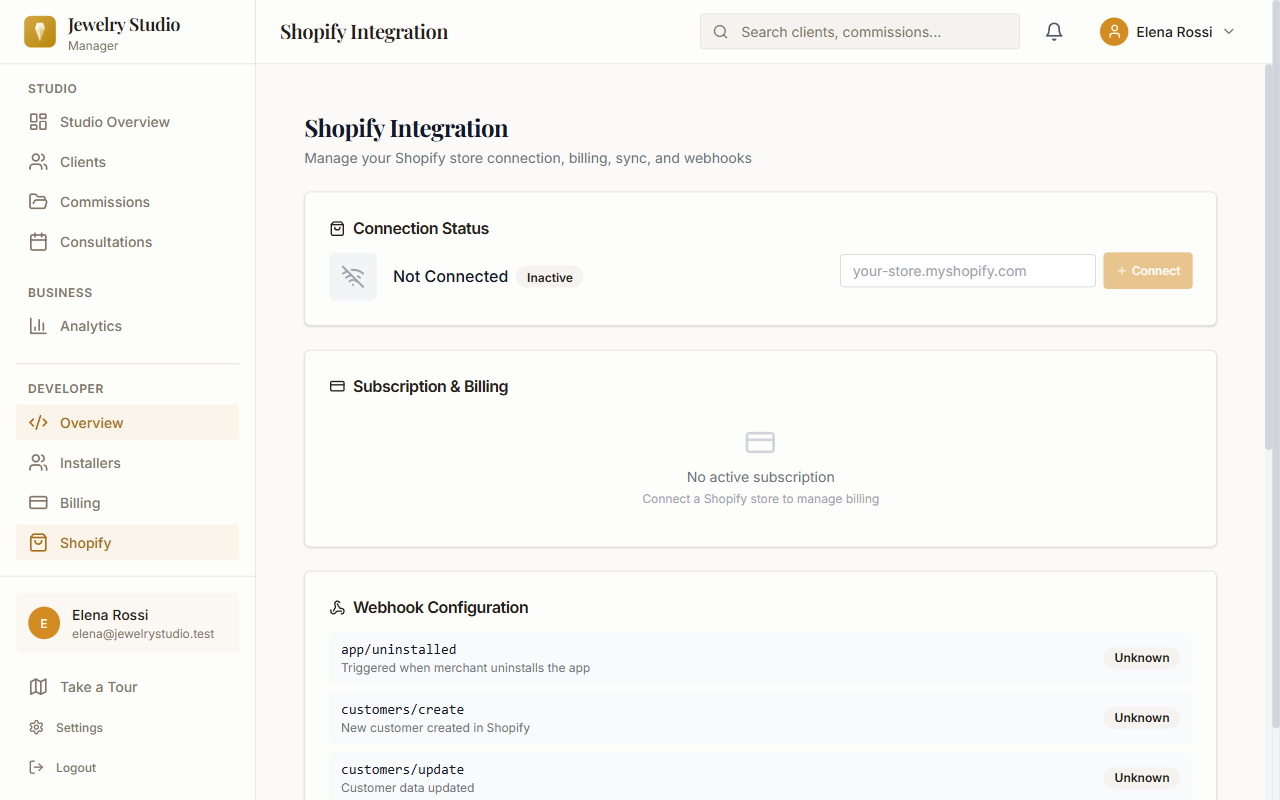
Seamlessly sync your customers, orders, and products between Shopify and your studio manager. One source of truth for your entire business.
Give your clients their own branded portal to view commission progress, approve designs, upload reference photos, book appointments, leave feedback, and access documents — reducing emails and phone calls.
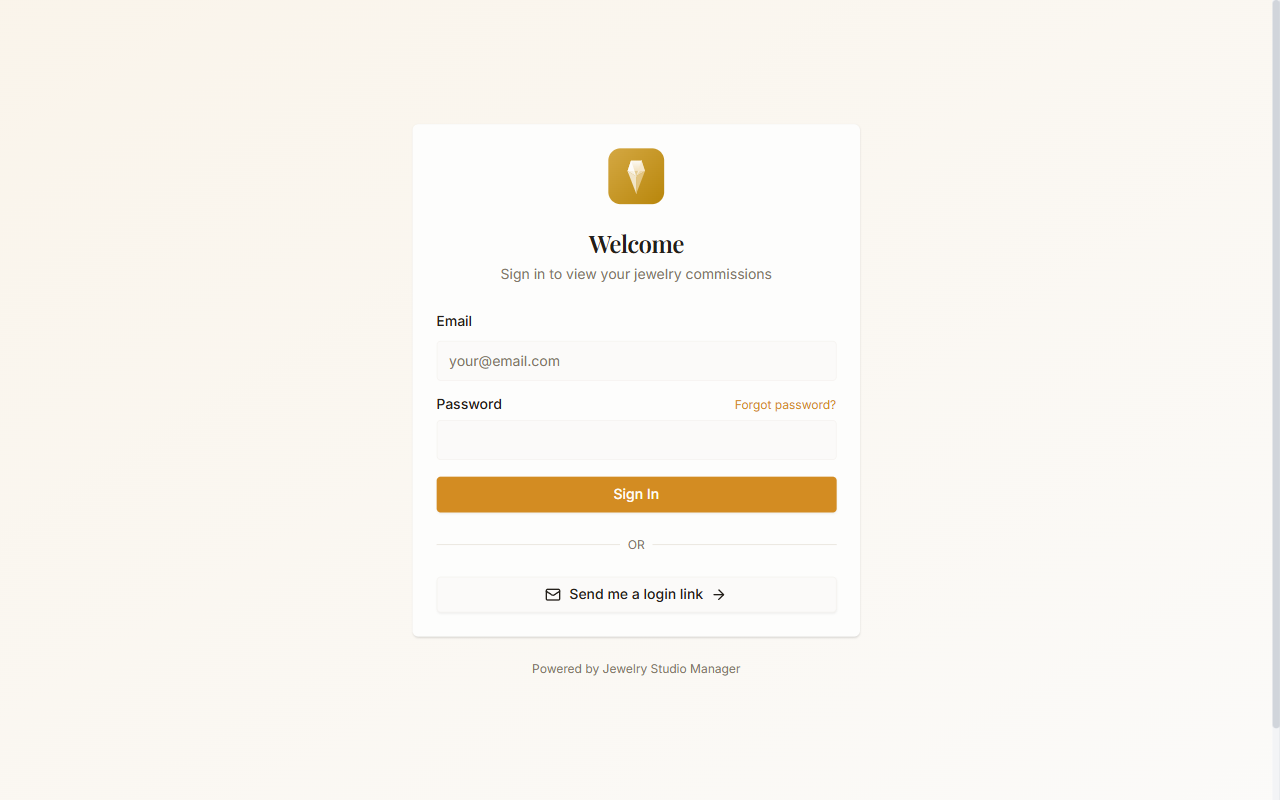
Understand your business with revenue tracking, conversion metrics, popular services analysis, and actionable insights to grow your studio.
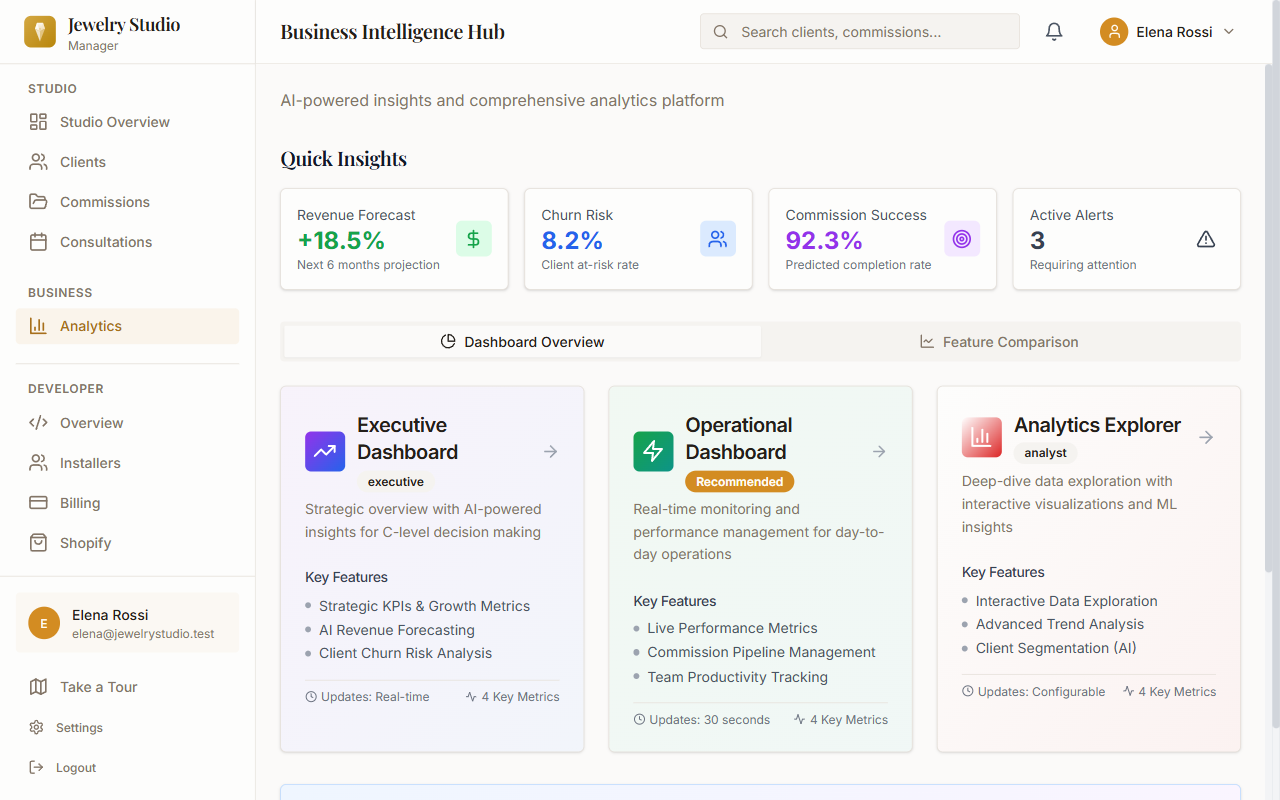
Upload CAD files, reference photos, and design renders directly to each commission. Automatic thumbnails, organized galleries, and secure sharing with clients through the portal.
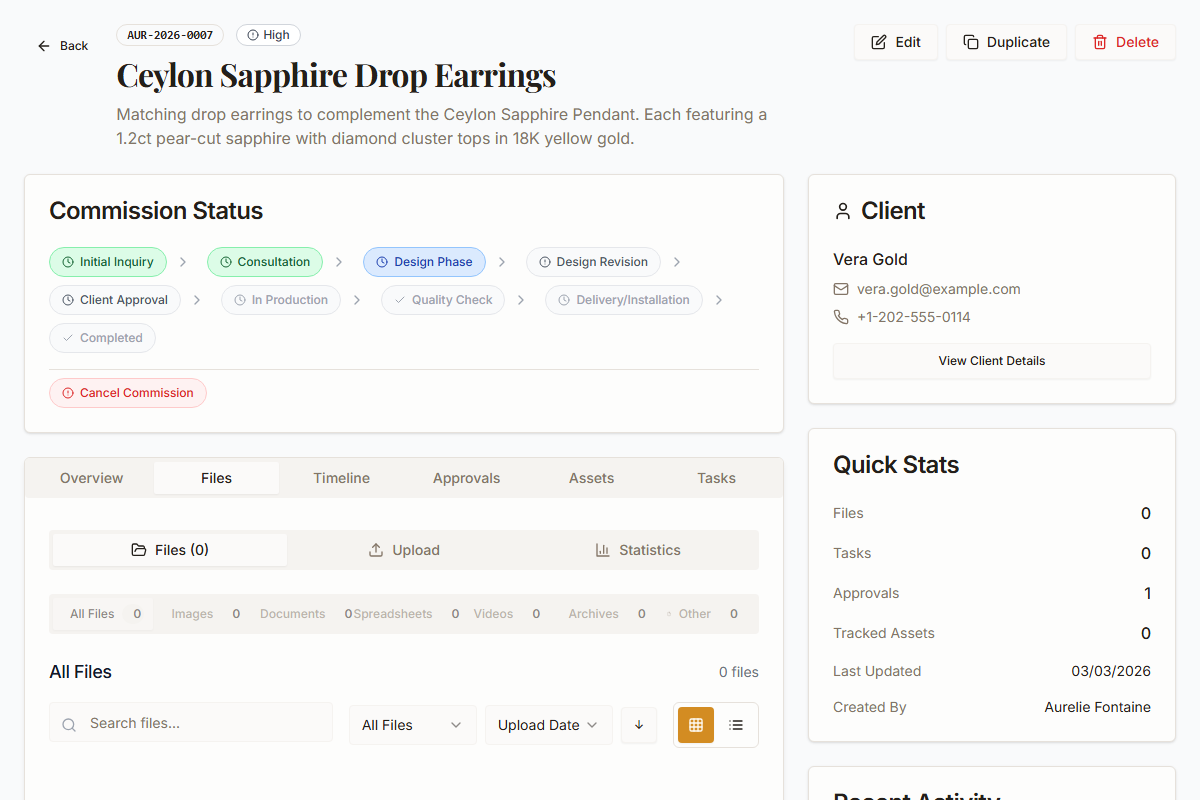
Stay on top of your business with instant push notifications for new inquiries, appointment reminders, design approvals, and commission updates. Works on desktop and mobile.
Watch our quick introduction to see how Jewelry Studio Manager can transform your jewelry business.
Whether you specialize in engagement rings or repairs, Jewelry Studio Manager adapts to your workflow.
Track every detail from initial consultation through the perfect proposal moment.
Manage one-of-a-kind commissions with materials tracking and client approvals.
Schedule repair appointments, track work orders, and keep clients updated.
Manage your team, track workload, and scale your business with confidence.
Getting started is simple. No complicated setup, no data migration headaches. Just install and go.
Create a free account on our website or install directly from the Shopify App Store. Your 14-day free trial starts immediately — no credit card required.
Sync existing Shopify customers automatically or add clients manually. Set up your jewelry workflow stages to match your studio process.
Create commissions, schedule consultations, upload design files, and share your branded client portal. Your studio is now organized.
See how a purpose-built tool outperforms generic alternatives.
No client portal, no automation, no Shopify sync. Hours wasted on manual updates.
Not built for jewelry workflows. No ring sizes, no commission stages, no design approvals.
Purpose-built for jewelers. Every feature designed for your exact workflow.
Every plan includes a 14-day free trial. No credit card required to start. Cancel anytime — no lock-in contracts.
Everything you need to know about getting started.
Yes. We use 256-bit AES encryption for sensitive data, HTTPS everywhere, and secure HTTP-only cookies. Your Shopify tokens are encrypted at rest. We're fully GDPR compliant.
No. Your 14-day free trial starts immediately whether you sign up on our website or install from the Shopify App Store. No credit card required.
Yes. Cancel your subscription anytime through your account settings or Shopify admin. No cancellation fees, no lock-in contracts.
Yes. Jewelry Studio Manager integrates with any Shopify store. Your existing customers sync automatically, and new orders create commissions in real time. Don't have Shopify? No problem — the app works great as a standalone tool too.
Your data stays safe. If you subscribe, everything continues seamlessly. If not, your data is retained for 30 days so you can export it or reactivate anytime.
Yes! The built-in client portal lets your clients view progress, approve designs, book appointments, and provide feedback — all branded to your studio.
No! Jewelry Studio Manager works as a standalone web app with Stripe billing. Shopify integration is optional — if you have a Shopify store, your customers and orders sync automatically. If not, you can manage everything directly through the app.
